How to Change Your Field of View in CS2
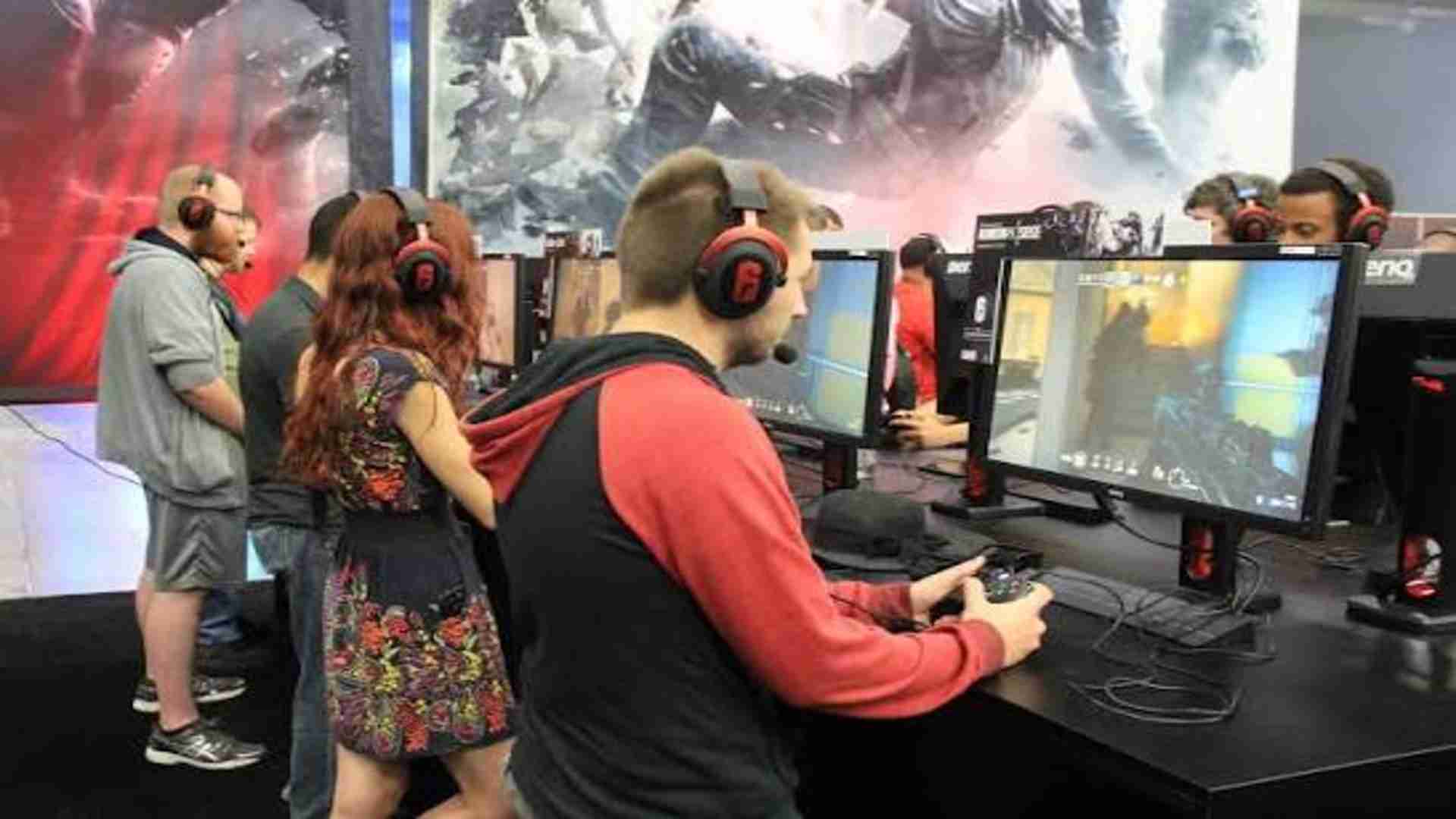
Optimizing your visual layout in Counter-Strike 2 is a crucial step for players who want to improve their spatial awareness and maximize performance. While Valve enforces strict limitations on direct adjustments to preserve competitive integrity, configuring your viewing angles remains possible through alternative in-game mechanics. Understanding how these camera options interact with your setup will provide a cleaner perspective during intense tactical encounters.
Understanding the Limitations of Direct Adjustments
Unlike many modern tactical shooters, Counter-Strike 2 does not offer a traditional slider to freely adjust your camera perspective. Valve standardizes the base field of vision to ensure that no player gains an unfair advantage simply by stretching their viewing bounds. This design means that adjusting how much of the map you see relies heavily on changing your display dimensions rather than adjusting standard settings sliders.
The default perspective provides a horizontal coverage value of ninety degrees when using a standard square monitor configuration. However, this base value naturally scales up to roughly 106 degrees whenever you utilize a standard modern widescreen display monitor. This automatic scaling highlights why your choice of hardware and software configuration serves as the actual foundation for managing your visual range.
Modifying the Screen Architecture and Aspect Ratio
The most effective strategy to adjust your broad perspective involves altering your display parameters inside the advanced video configurations. Transitioning from a classic widescreen setup to a squarer rendering layout drastically alters the amount of information displayed on the left and right sides of your screen. Many professional players intentionally choose these alternative layouts to modify how targeted elements appear on their screens.
For instance, selecting a four-to-three setup stretched across a widescreen monitor reduces your peripheral vision but makes central character models appear significantly larger. Conversely, keeping your resolution at native widescreen parameters ensures you maintain the absolute maximum horizontal coverage possible within the software engine. Balancing these visual compromises allows you to tailor the tactical information to your personal combat preferences.
Configuring In Game Character Model Positioning
While you cannot stretch the absolute boundaries of the game camera, you can alter how much space your weapon occupies on the display interface. Utilizing the specialized developer console gives players full authority to input precise positioning values for their virtual hands. Adjusting these weapon boundaries clears up massive amounts of screen real estate that would otherwise be completely obscured by bulky gear.
By inputting commands like viewmodel offset x, y, and z, you can push the virtual weapon model deeper into the corner of your screen. For players looking to further enhance their setup, discovering can help fine-tune peripheral vision during high-stakes competitive matches. Relocating these visual assets creates the sensation of a wider viewing field without violating the strict competitive constraints established by the developers.
Activating the Developer Console for Custom Parameters
To execute these custom weapon adjustments successfully, you must first enable the internal command interface through the game options menu. Once activated, pressing the tilde key allows you to input precise numbers that permanently save your personalized structural preferences. Experimenting with these numbers lets you discover the absolute sweet spot between visibility and stable weapon feedback.
It is important to remember that these customized parameters only modify the weapon position relative to your viewpoint. The actual underlying perspective of the surrounding map remains completely synchronized with the official server rules to ensure clean competitive tracking. Utilizing these native configuration paths guarantees your account remains entirely safe while giving you an optimized perspective over the battlefield.